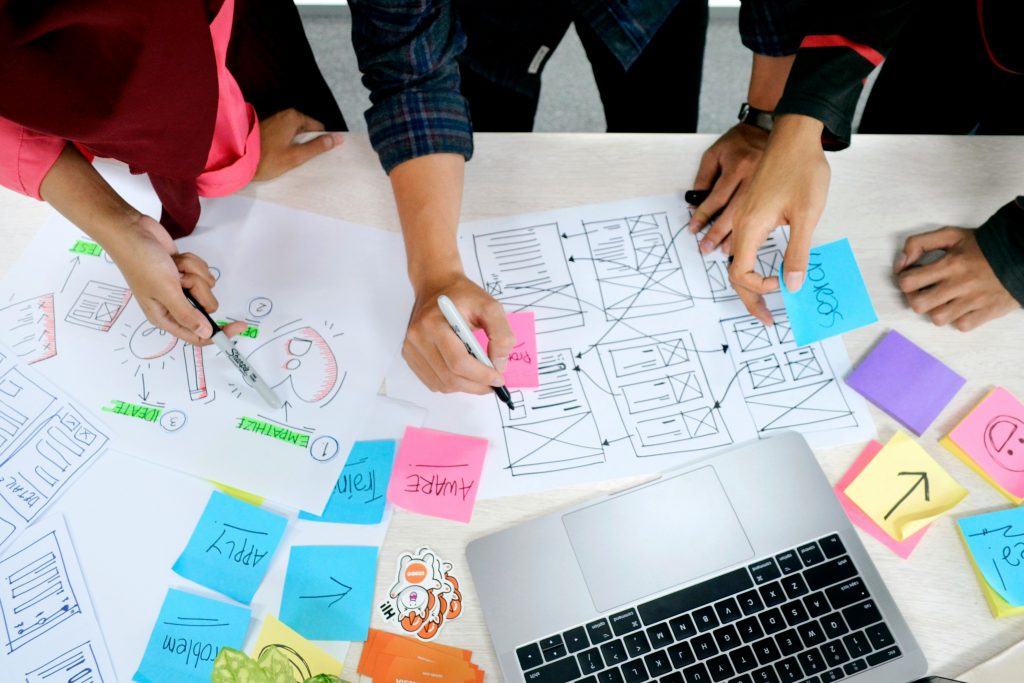
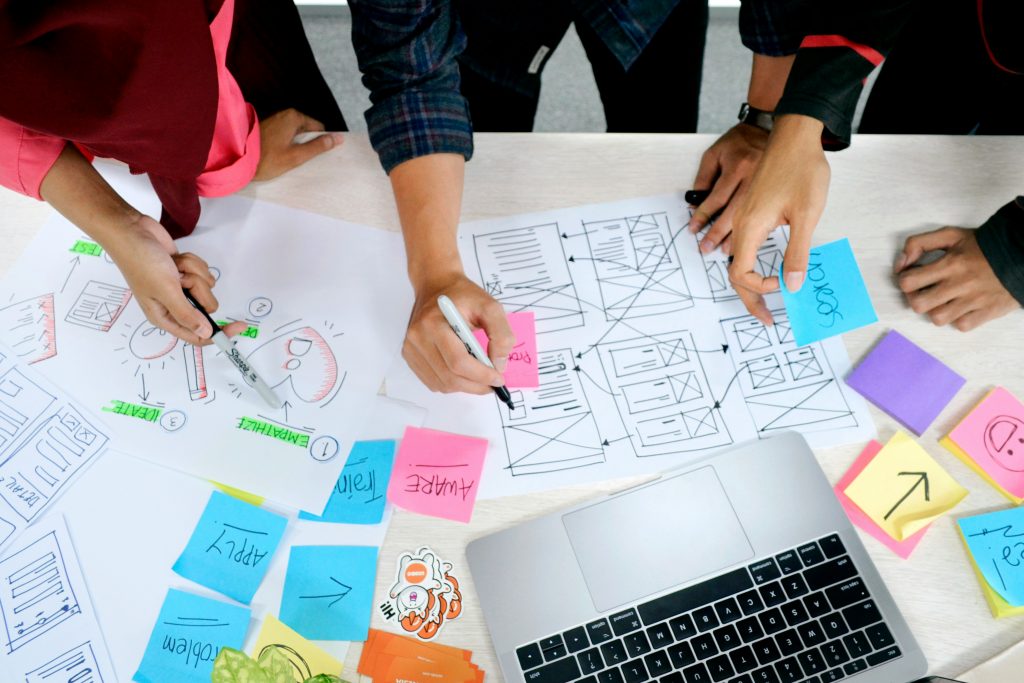
The Digital Geekette is a space where we make complex user problems into approachable design concepts that are relatable and easy to understand. Expect thoughtful reflections on UX principles, Usability, and human-centered design, alongside insights from coursework, projects, and hands-on learning from my career. Topics may include UX/UI methods, accessibility, stakeholder engagement, research, and more.
The Digital Geekette is about learning out loud, asking questions, and creating a strategy to tackle a user problem. This blog is for supporting anyone interested in how thoughtful design improves everyday interaction.
Building a website isn’t just about content; it’s about creating an intentional, cohesive, and welcoming experience. This week, I used the WordPress Customizer and theme settings for Digital Geekette. I’ll share what I changed, why I did it, and what I learned.
Choosing the right WordPress theme is an important step in building a website. The theme shapes how the site looks, works, and feels for users. For a site about UX/UI design and technology, the theme should be responsive, easy to customize, and fast. In this review, I compared three popular WordPress themes using a decision matrix to find the best fit for the website’s main goals.
Creating and managing a website requires more than publishing attractive content—it also requires protecting that content, user data, and the overall integrity of the site. According to WordPress 5 Complete (7th ed.), website security is an essential responsibility of site owners because WordPress sites can become targets for hackers, spam, malware, and unauthorized access if not properly maintained (Williams, Damstra, & Stern, 2020).
Web accessibility refers to designing and developing websites so that all people, including individuals with disabilities, can perceive, understand, navigate, and interact with online content. The World Wide Web Consortium (W3C) created the Web Content Accessibility Guidelines (WCAG) to provide internationally recognized standards for making web content accessible. (Web Content Accessibility Guidelines (WCAG) 2.2, 2023) WCAG is built around four foundational principles: Perceivable, Operable, Understandable, and Robust (POUR). (Initiative, 2008) These principles guide developers and designers in creating inclusive digital experiences.
As I continue building my UX Blog website, I’ve learned that plugins are not just about adding features; they are about strengthening security, improving performance, and expanding growth opportunities. Jetpack offers a collection of modules designed to enhance security, marketing, performance, and design, all within one plugin. After reviewing the features, three modules stand out as beneficial for my website: Account Protection, Blaze, and Blocks.
I learned that managing a website is not just about installing themes and plugins—it also involves efficiently managing files, media, and backups. External storage and file-sharing services are important tools that help website owners store, protect, and distribute files outside of their WordPress hosting server. (External services for media on your WordPress site, 2023) These services can be integrated into WordPress through plugins or direct linking, allowing site owners to improve storage management, collaboration, and security (Sabin-Wilson, 2023). Because hosting plans often have storage limits, external services can reduce server strain while also providing additional backup protection. (Back Up WordPress to OneDrive: Free Up Space & Secure Your Site, 2023)
Three external storage and file-sharing services that are compatible with WordPress include Google Drive, Dropbox, and Microsoft OneDrive. Each offers unique advantages and potential limitations.